Logistics and transport
Coordinate document-heavy workflows across customers, operators, partners, suppliers, and management.
Explore industryElectronic agreements, end to end
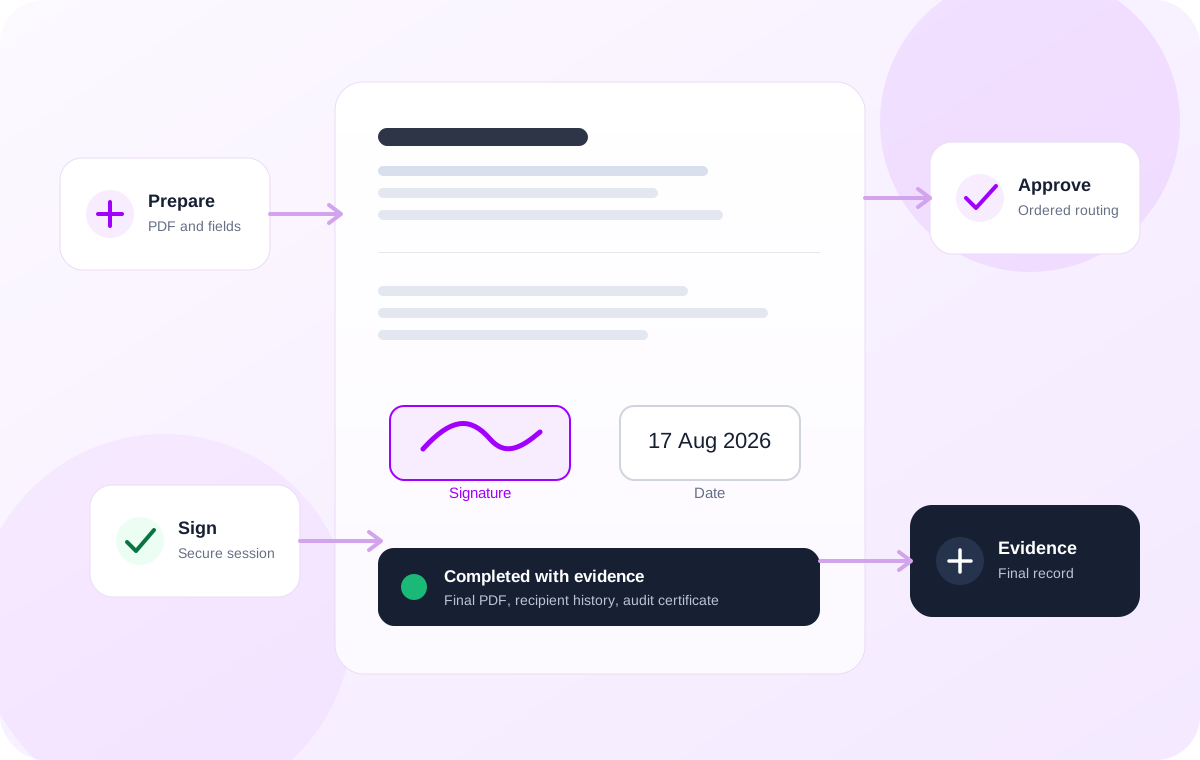
PuntSign gives teams one place to prepare documents, coordinate recipients, collect electronic signatures and approvals, track progress, and preserve the evidence created when a workflow is completed.
Across industries
PuntSign stays general at the product level while industry pages explain how the same preparation, routing, signing, approval, and evidence controls fit different operational environments.
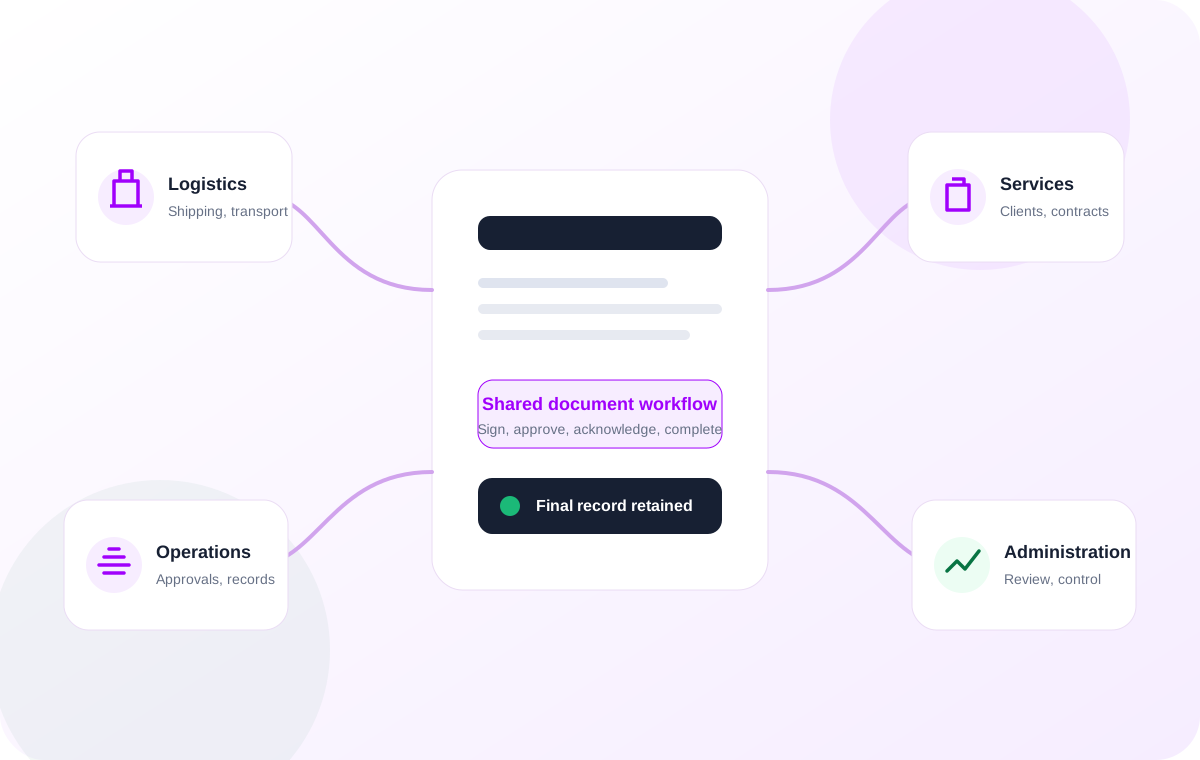
Coordinate document-heavy workflows across customers, operators, partners, suppliers, and management.
Explore industryRoute client agreements, engagement documents, approvals, and acceptance records.
Manage commercial documents, supplier paperwork, approvals, and customer-facing agreements.
Standardize recurring service agreements, authorizations, handovers, and internal approvals.
Common use cases
Start with the business process rather than the industry. A single product can support signatures, approvals, multi-party routing, reusable templates, and completion evidence.
Turn a PDF into a structured signing workflow with assigned fields and recipients.
Use approver roles and routing order when a document needs review before completion.
Combine internal and external recipients in parallel or sequential workflows.
Save reusable templates for agreements and forms your organization sends repeatedly.
One agreement workspace
PuntSign covers the operational steps before, during, and after signing so teams do not have to assemble a document process from disconnected tools.
Upload an existing PDF and place signature, initials, name, date, text, and checkbox fields directly on the document.
Add signers, approvers, and copy recipients, then choose parallel delivery or ordered sequential routing.
Recipients open a secure link, review the document, accept electronic-signature consent, and complete the fields assigned to them.
Follow envelope and recipient states from draft through viewed, in progress, completed, declined, expired, or voided.
Generate the completed PDF, document hashes, linked audit history, and a separate audit certificate when the workflow finishes.
Apply your organization name, logo, primary color, sender identity, and email footer across signing and email touchpoints.
Designed for recipients too
A recipient does not need to navigate your internal workspace. The experience is centered on the document, the required fields, and the action they need to complete.
Evidence by design
PuntSign keeps documents private, avoids storing usable invitation and download tokens, records material workflow activity, and generates completion evidence alongside the completed document.
Review the security modelStart with the PDF your organization already uses, define the people and routing around it, and keep the completed document and its evidence in the same workspace.