Send a document for signature
Upload a PDF, assign signature and supporting fields, send a secure invitation, and keep the completed document in the same envelope record.
Use cases
Different industries use different forms and agreements, but many document processes reduce to the same operational needs: identify the people involved, assign their actions, control the order, follow progress, and preserve the result.
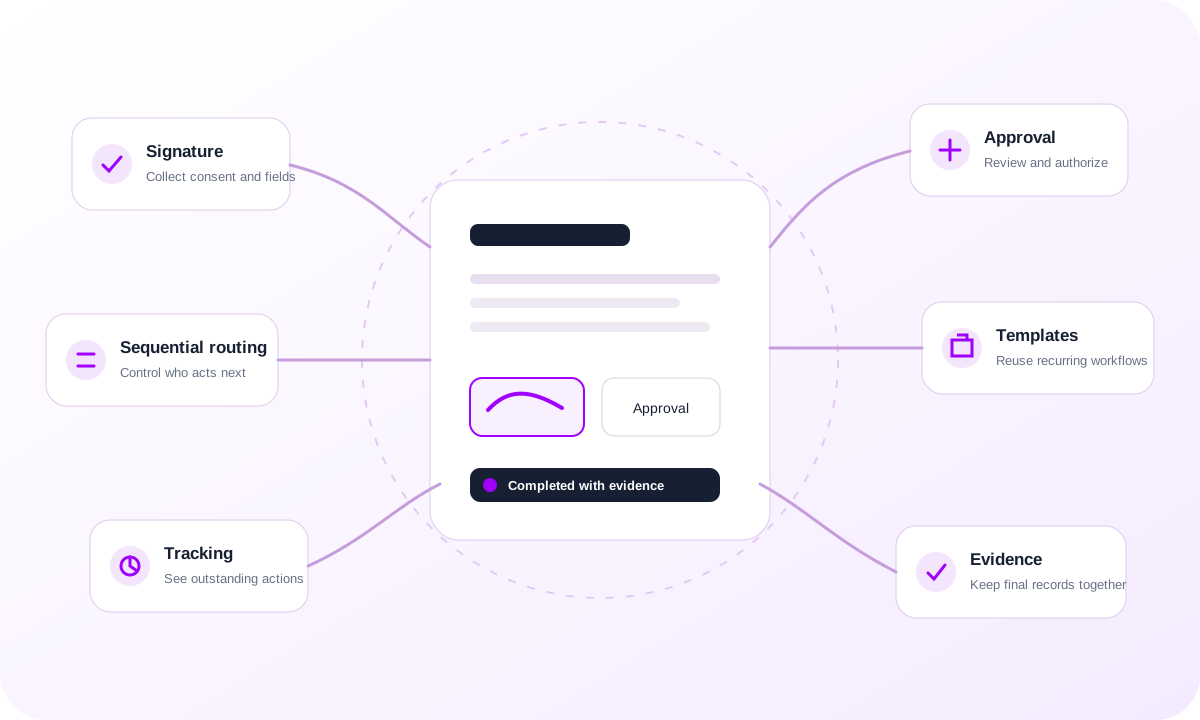
Upload a PDF, assign signature and supporting fields, send a secure invitation, and keep the completed document in the same envelope record.
Assign approvers when a document needs review or authorization without requiring every recipient to sign the document itself.
Activate recipients by routing order when one signer or approver must complete their step before the next party can act.
Combine customers, suppliers, partners, contractors, colleagues, managers, and copy recipients in one visible workflow.
Save reusable templates for documents your organization sends repeatedly so recipients, routing, and field structures do not need to be rebuilt each time.
See document and recipient progress so teams know whether a workflow is waiting, being reviewed, completed, declined, expired, or voided.
Let recipients act from a secure document-specific link instead of requiring access to the sender's internal workspace.
Keep the completed PDF, document hashes, linked audit history, and downloadable audit certificate associated with the final envelope.
Browse industry examples for a more specific view of the documents, parties, and operational context around the same core workflow.